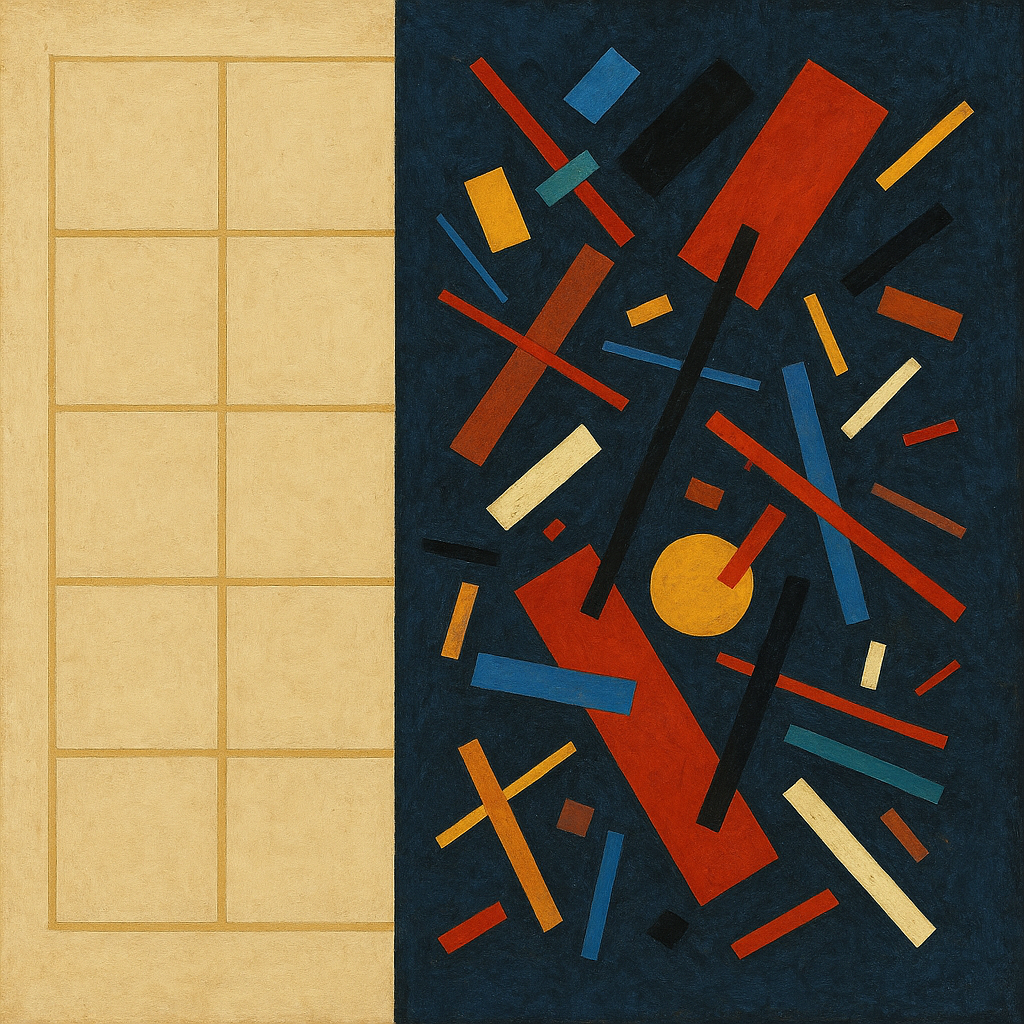
Air tastes of iron and oncoming rain, a barometer dropping like a held breath losing discipline. Screens hum in a low electrical throat, bright sugar colors masking the grit under the tongue. Winds scrape corners into the day, bending signs and spines, a chorus of hinges and loose screws. Somewhere, a seam pops—not loud, but with the authority of fabric giving up its last stitch. Cold rides in the bones while distant heat blooms like a lamp behind a paper wall. Threads tighten, jitter, and retighten, as if everything is laced to everything else with invisible wire. The light is mottled: freckled sun, storm-glossed streets, and a neon halo that won’t quite stay still.
A mass shooting in Tumbler Ridge, Canada, is under investigation as authorities release new details on what is known so far. UK lawmakers are pressing for testimony in inquiries linked to Epstein-related files, while a separate case sees a detained man released in the disappearance of Nancy Guthrie. Diplomatic attention intensifies as Middle East nuclear talks reach a critical juncture alongside plans for a meeting between key leaders. The UK plans to bolster troops in Norway amid concerns over Russian activity, and Ukraine reports deadly strikes near Kharkiv. India has ordered social media platforms to remove unlawful content within three hours of notice, sharpening platform compliance pressures. In culture and business, Britney Spears has reportedly sold rights to her music catalogue, an
To effectively transform the images into Suprematist art, follow these precise directives focusing on flatness and abstraction:
### Image 1 Adjustments:
1. **Remove Depth Indications:**
- At coordinates (200, 150), flatten the rectangle by removing shadow effects.
- Eliminate gradient backgrounds across the entire canvas (0, 0) to (1000, 1000) to ensure uniform flat coloring.
2. **Simplify Forms:**
- For areas around (350, 250), reduce the overlapping complexity by limiting shapes to simple rectangles and circles.
- Convert any irregular forms into basic geometric shapes, ensuring they align horizontally or vertically.
3. **Color Harmonization:**
- Use a consistent color palette with primary colors: red, blue, yellow, and black. Replace intermediate shades at (400, 300) and (600, 450).
4. **Layer Flattening:**
- At (500, 600), make sure all shapes exist on the same plane without layering effects by removing any shadow or border.
### Image 2 Adjustments:
1. **Abstract Objects:**
- Replace complex 3D forms, such as the rib-like structure at (200, 500), with flat geometric shapes like circles or rectangles.
- At (700, 800), convert the orb into a flat circle, removing all lighting effects.
2. **Remove Texture and Shadows:**
- Smooth out textures across the image, such as the honeycomb surface at (800, 700), to achieve a uniform flat color.
- Eliminate shadows and highlights, particularly in areas like (300, 400) and around the central ring object (500, 600).
3. **Simplified Background:**
- Flatten the background architecture at (100, 700) by using solid, flat colors, removing all indications of depth and lighting.
4. **Geometric Focus:**
- Ensure all forms are based on simple geometry. For instance, break down the intricate pattern at (600, 300) into basic shapes like squares and lines.
5. **Uniform Lighting:**
- At the upper location (900, 100), remove inconsistent light sources. Ensure all parts of the image have the